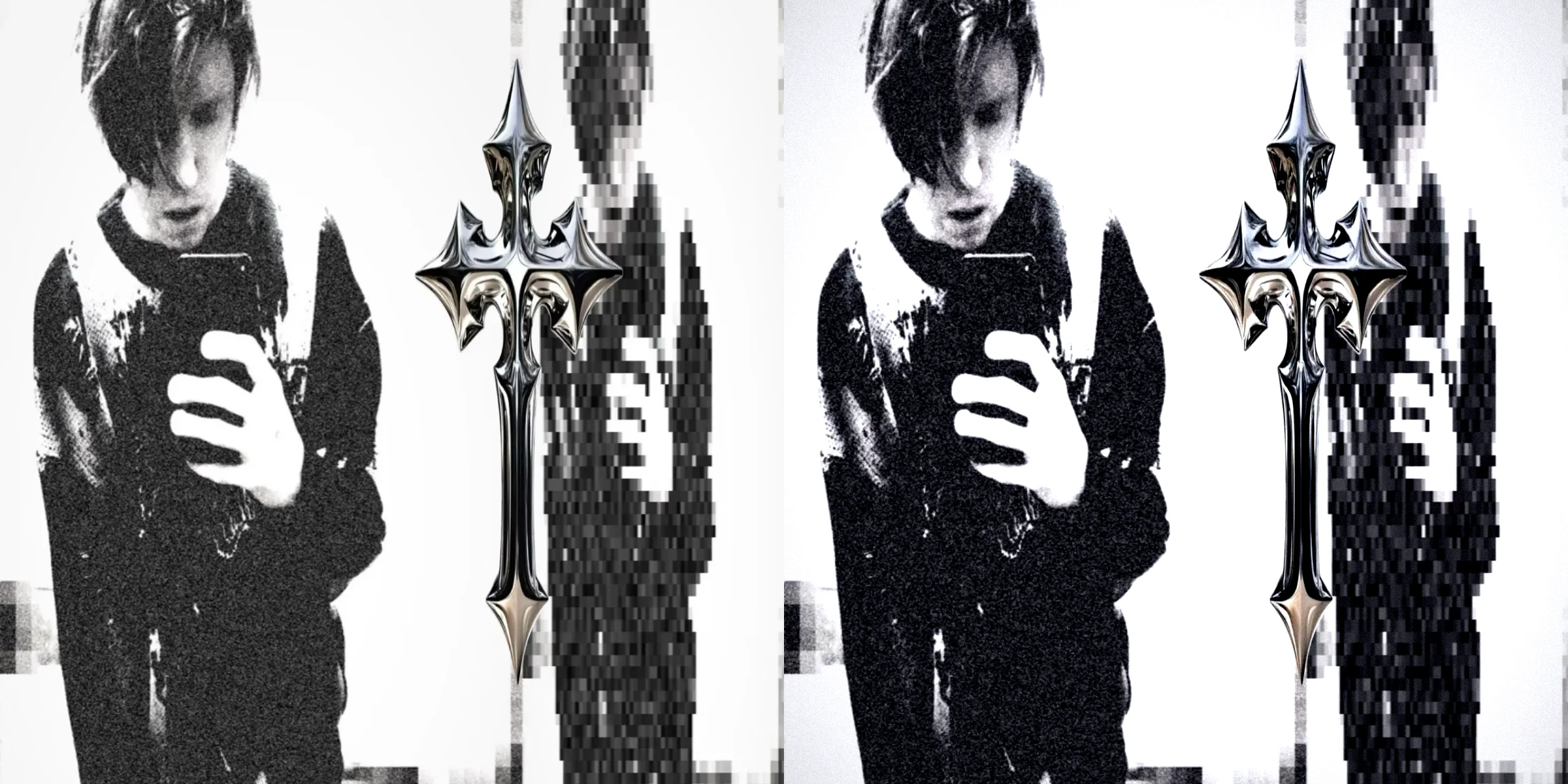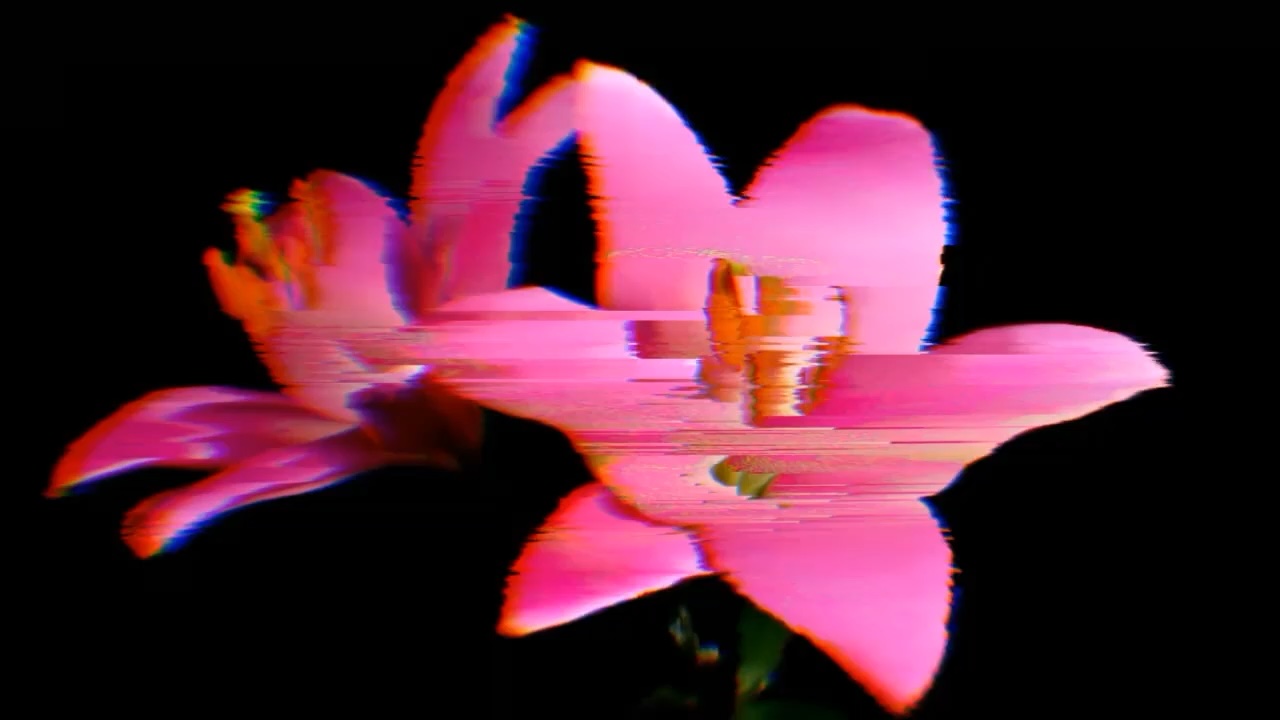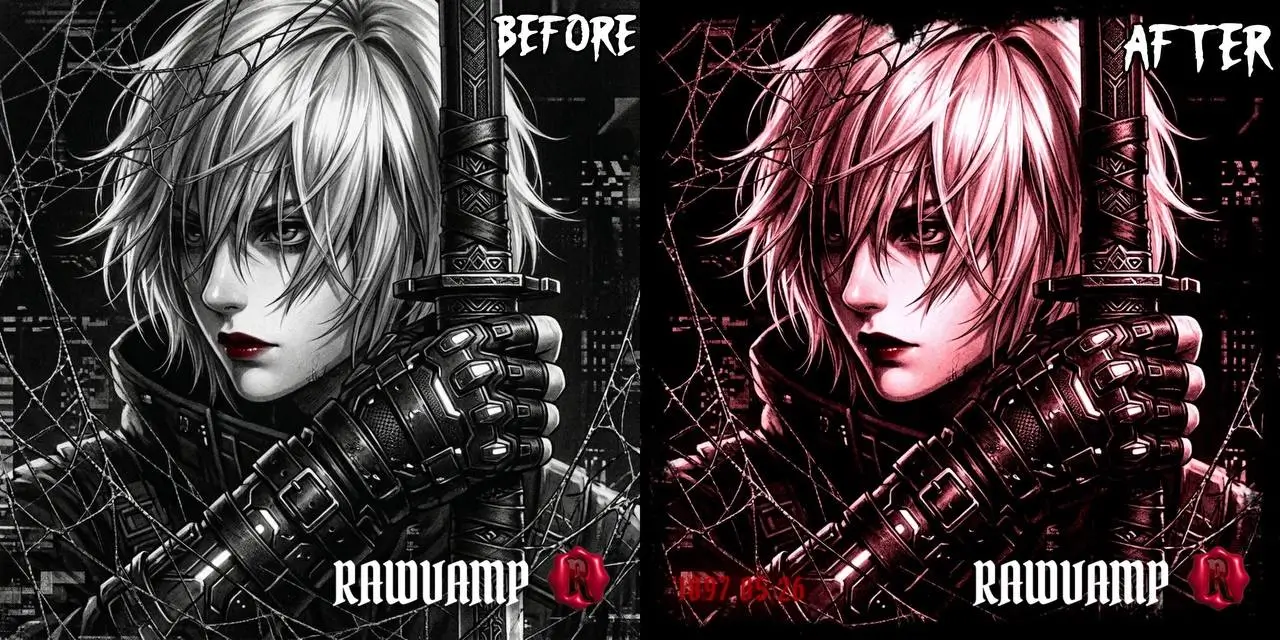

Webcam Y2K Online for Live Retro Photos

Choose a live Y2K look before taking your photo. Webcam Y2K Online gives you a mirror, a countdown and an editable still frame, with an upload option when a camera is not available.

Skip to photo editor
Preview

Good photos.
Bad influence.

or drop them anywhere in the editor

Photos stay on your device. Download edits before leaving.

Compare Your Webcam Y2K Online Look

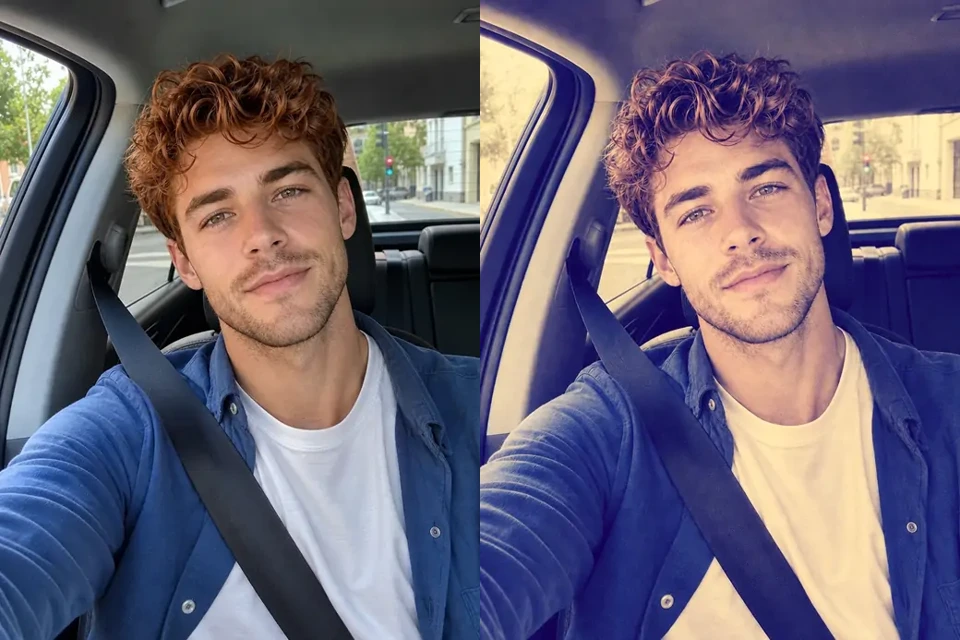
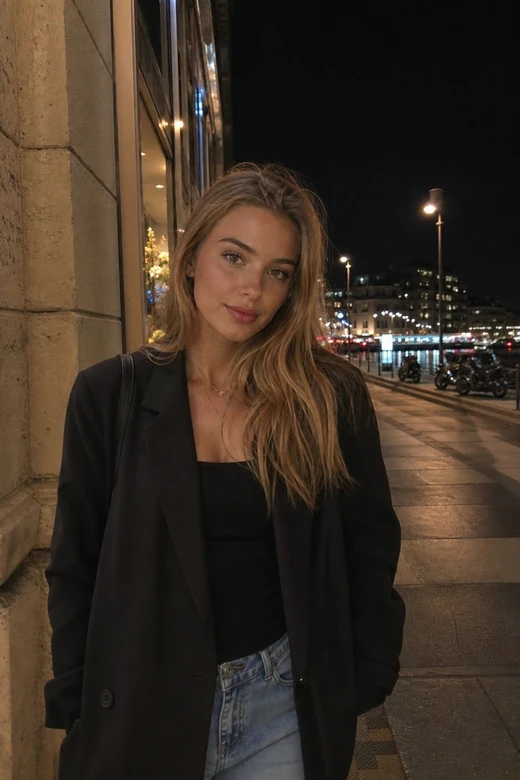
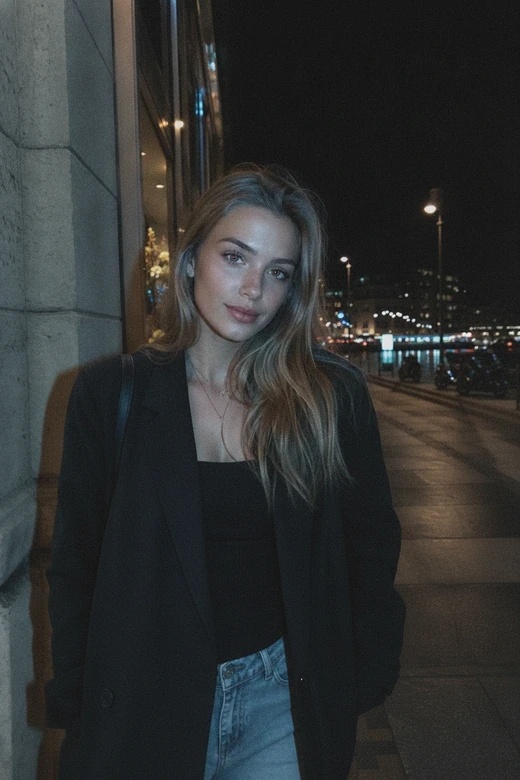
Use the same portrait before and after a Y2K-style treatment to judge contrast, grain and color. Webcam Y2K Online lets you choose a live starting look, then compare your own captured photo before downloading it.

Original Night Portrait
Digicam-Style Night Portrait
Digicam-Style Night PortraitOriginal Night Portrait

Look at the face and darker edges first. Use the treatment as a visual direction for a camera photo rather than trying to match every detail of another portrait.

In Webcam Y2K Online, change a live preset before posing, then use the still-photo controls to refine your captured frame and compare it with the original.

Move the slider to compare

How to Use Webcam Y2K Online

Open the Camera

Open Your Camera

Choose Open camera in Webcam Y2K Online and allow video access. If a camera is unavailable, close the preview and upload a photo instead.

Choose a Look and Pose

Pick a live preset, set your mirror preference and choose an immediate, three-second or five-second capture. You can cancel the countdown before it finishes.

Capture, Refine and Save

Take your photo in Webcam Y2K Online, then crop and compare the still frame. Download a free watermarked JPG or explore Studio export options.

A Y2K Cam with Room to Adjust

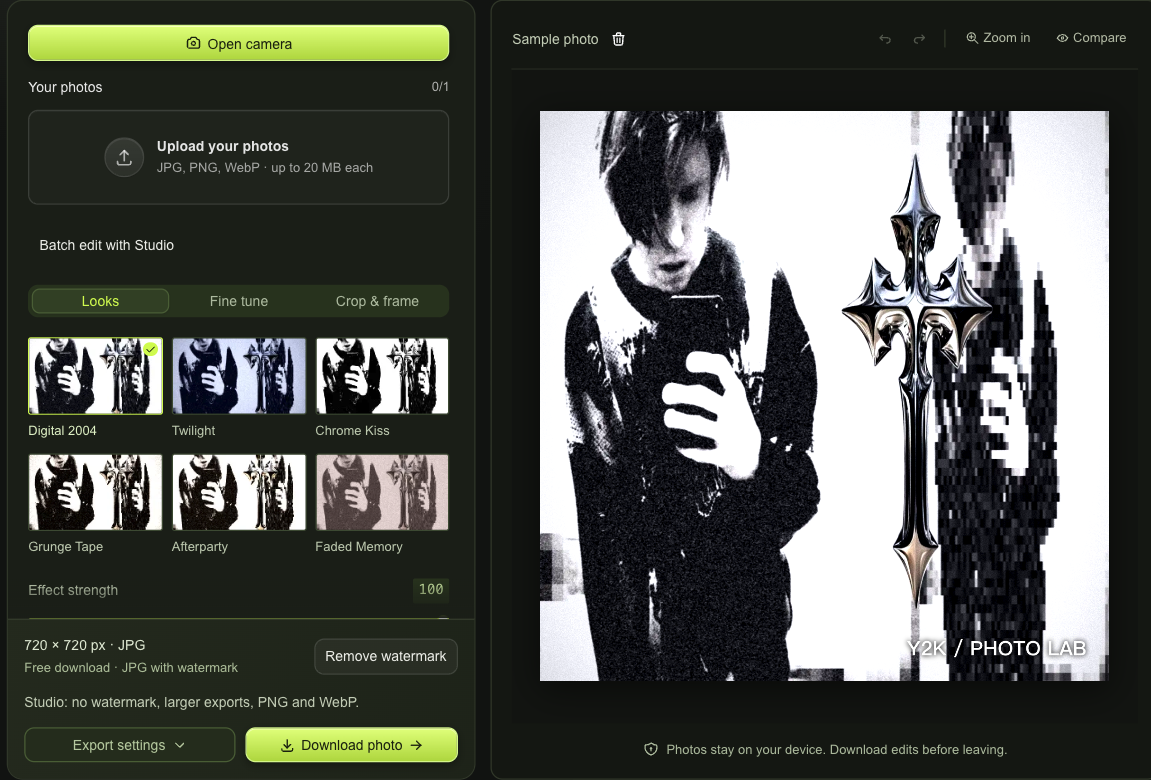
Webcam Y2K Online workspace with Open camera, an editable photo sample and download choices

Choose a Look Before Your Next Capture

Webcam Y2K Online applies the selected look to the live preview, so you can judge your lighting and pose together. Use mirror and timer controls without leaving the camera, then capture the moment when the frame feels right.

Open the Camera
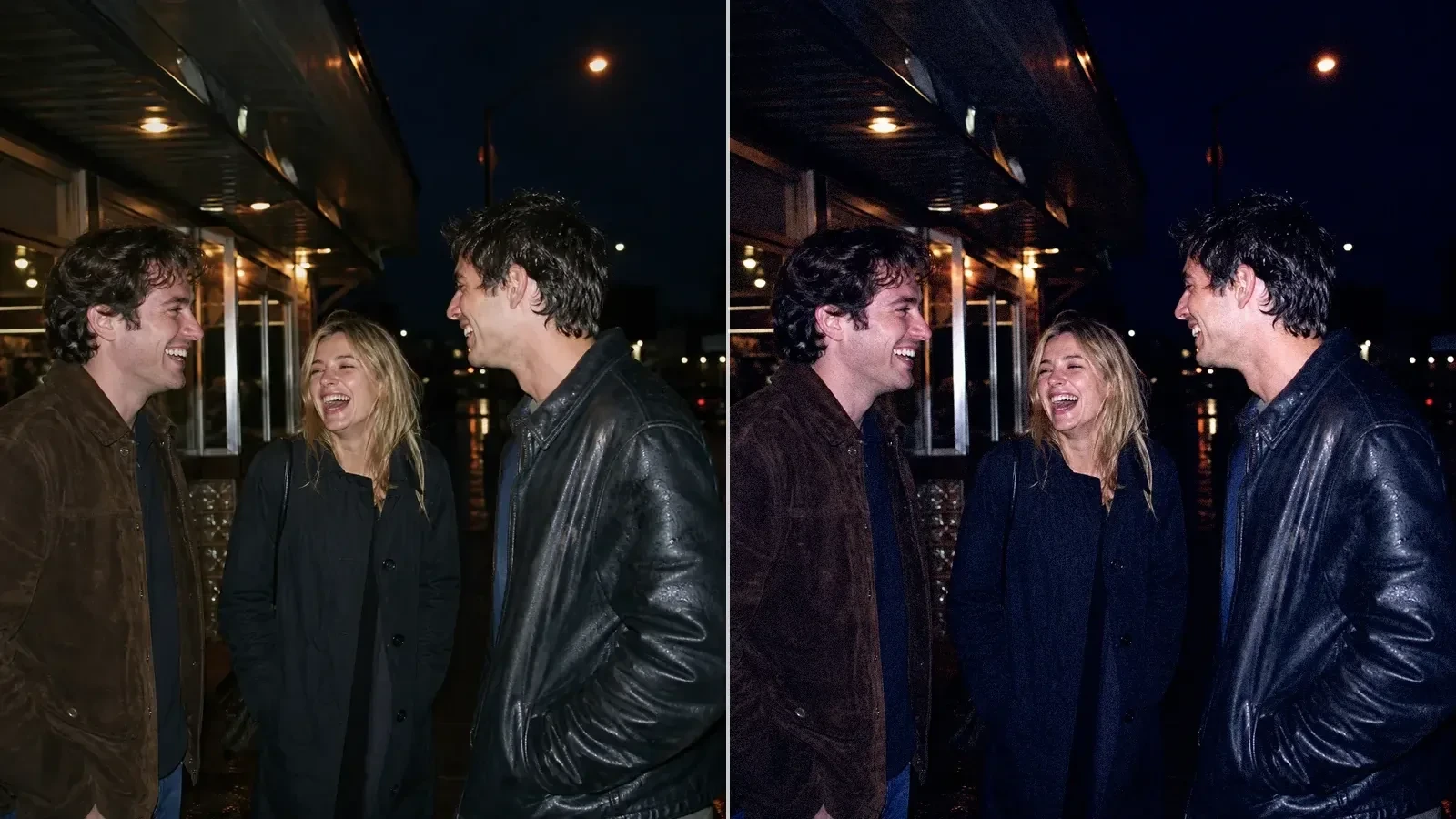
Same night-out group photo before and after a crisp direct-flash treatment

Refine Your Webcam Y2K Online Capture

A capture becomes an editable still photo in Webcam Y2K Online. Crop, rotate, compare and undo in the same workspace; Studio adds individual color and texture adjustments. Choosing another look after capture does not require another camera session.

Open the Camera

Webcam Y2K Online Fits Around Your Moment

Webcam Y2K Online keeps the route from a live pose to a finished photo straightforward. Preview a look, give yourself time to settle and keep editing the frame afterward without moving it into a different application.

Give Yourself a Countdown

Use a three- or five-second timer in Webcam Y2K Online when reaching for the capture button changes your pose. Cancel it whenever you need another moment.

Choose Camera or Upload

Your Y2K cam session can start from a live frame or an existing photo. Upload remains an alternative when permission, hardware or lighting gets in the way.

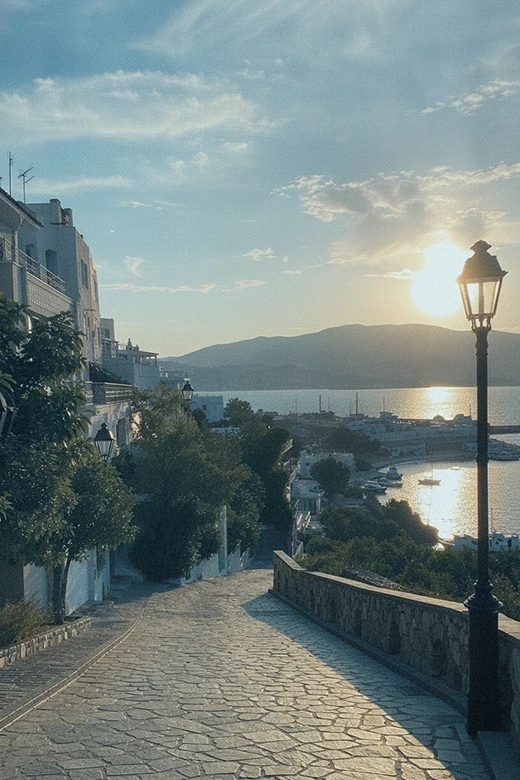
Warm compact-camera view of a cobbled waterfront lane

Keep Your Microphone Off

Webcam Y2K Online requests video when you open the camera and does not request audio. Closing the camera stops its active video stream.

Keep a Finished Still Photo

After capture, review the frame before downloading. You choose the crop and treatment, with a clear free watermarked JPG option and Studio upgrades for additional exports.

Webcam Y2K Online Questions

Y2K Photo Lab

Capture Your Next Photo with Webcam Y2K Online

Open Webcam Y2K Online, choose your live look and settle into the frame. Capture a photo, compare the result and save the version you want to keep.

Open the Camera