
Y2K Photo Editor for 2000s Color and Grain

Give your photos the color, grain and worn texture of an early digital camera. Start with a look in the Y2K Photo Editor, then adjust it around your face, lighting and frame.

Skip to photo editor
Preview

Good photos.
Bad influence.

or drop them anywhere in the editor

Photos stay on your device. Download edits before leaving.

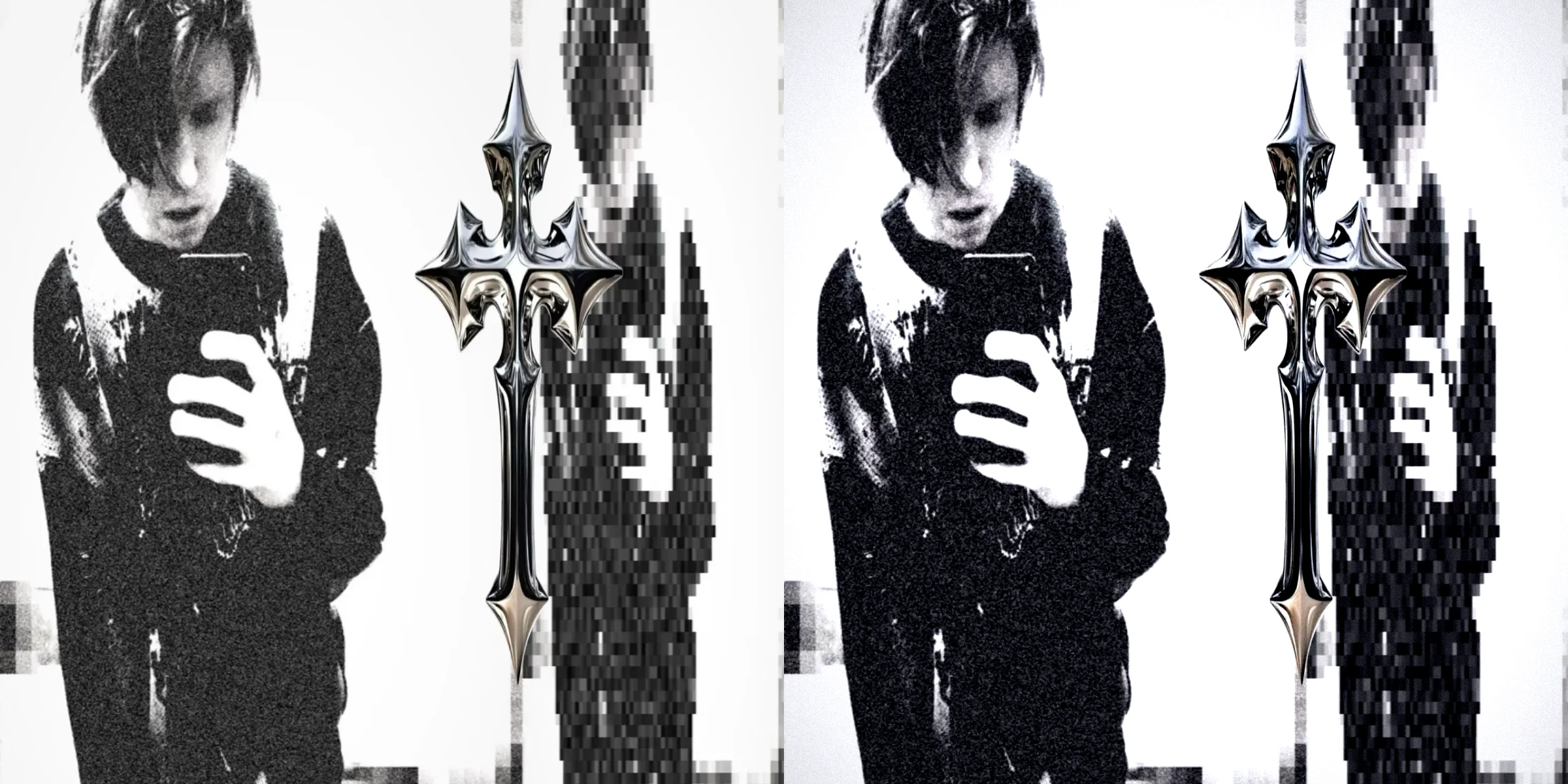
A Y2K Filter, Compared With Your Original

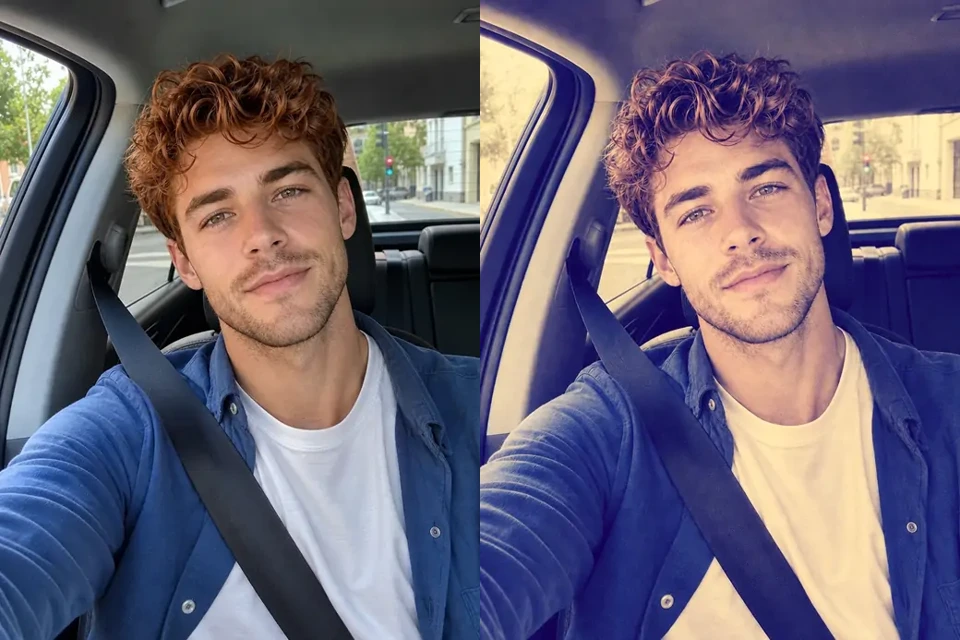
Compare the original and a Y2K-style treatment to judge color, texture and recognizable detail. Use that visual direction when choosing a starting look in the Y2K Photo Editor.

Original Photo
Edited Photo
Edited PhotoOriginal Photo

Check skin and bright edges first. A convincing digicam effect leaves enough detail for the subject to stay recognizable.

Bring the Y2K Photo Editor preview back to the original whenever grain, shadow or color starts distracting from your subject.

Move the slider to compare

How to Use the Y2K Photo Editor

Edit Your Photo

Choose Your Photo

Open a JPG, PNG or WebP in the Y2K Photo Editor. Pick a portrait, a night out or an everyday snapshot with details worth keeping.

Shape the 2000s Look

Choose a preset and its strength, then compare the result. With Studio, fine-tune exposure, color and grain or add your own custom stamp before downloading.

Check and Download

Review the finished frame in the Y2K Photo Editor, choose an available export format and size, then download before leaving the page.

Build Your 2000s Camera Filter

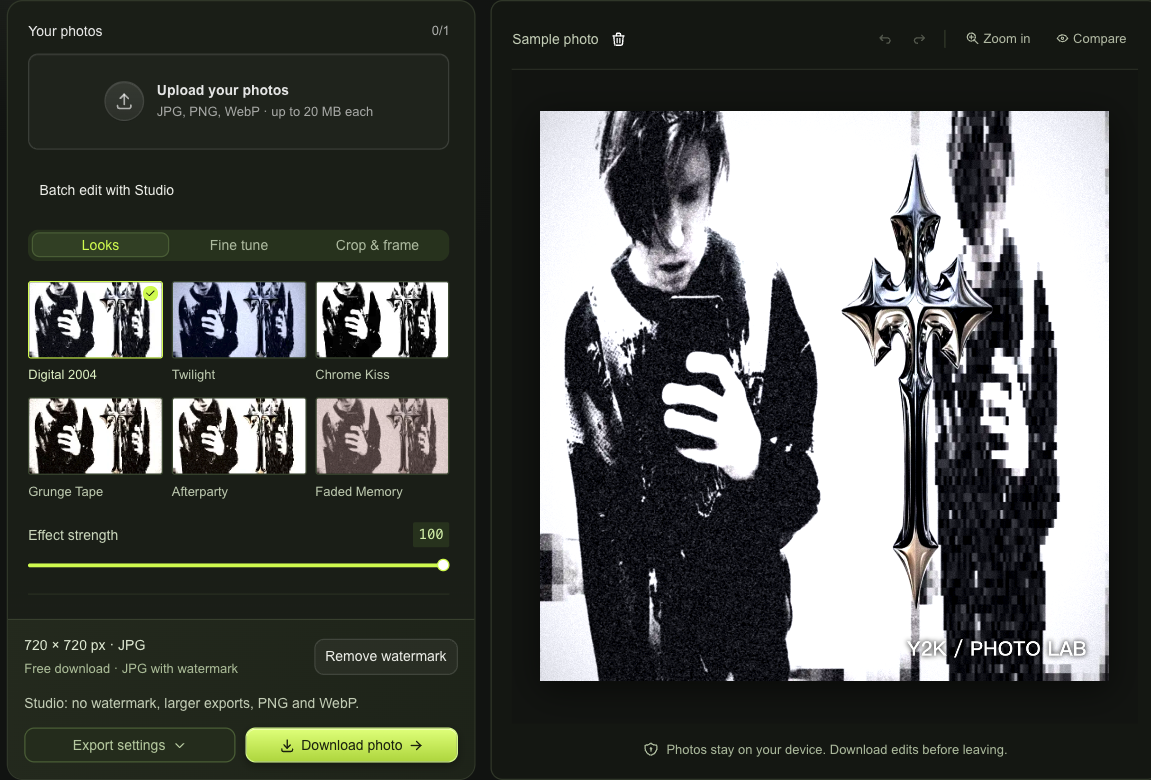
Y2K Photo Editor workspace with a photo queue, live preview and download controls

Y2K Photo Editor Controls for Texture

With Studio, use the 2000s photo editor to balance grain, fade and vignette against your lighting. Keep faces clear while adjusting color temperature and tint to move the same photo toward warmth or twilight.

Edit Your Photo
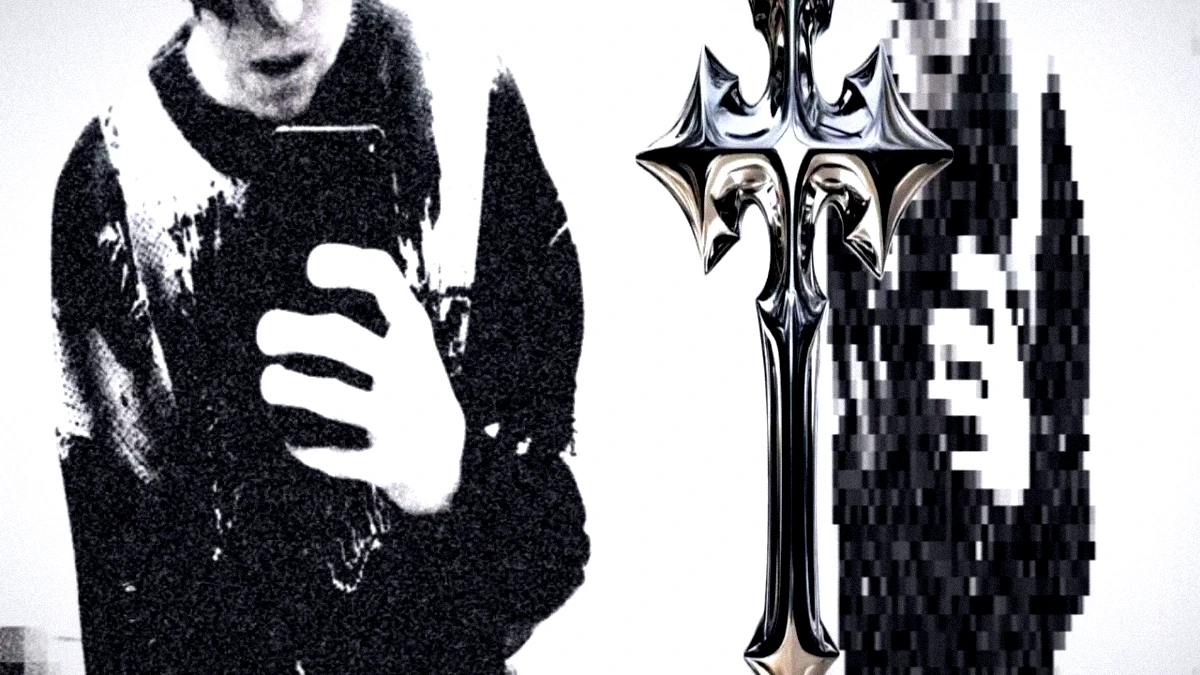
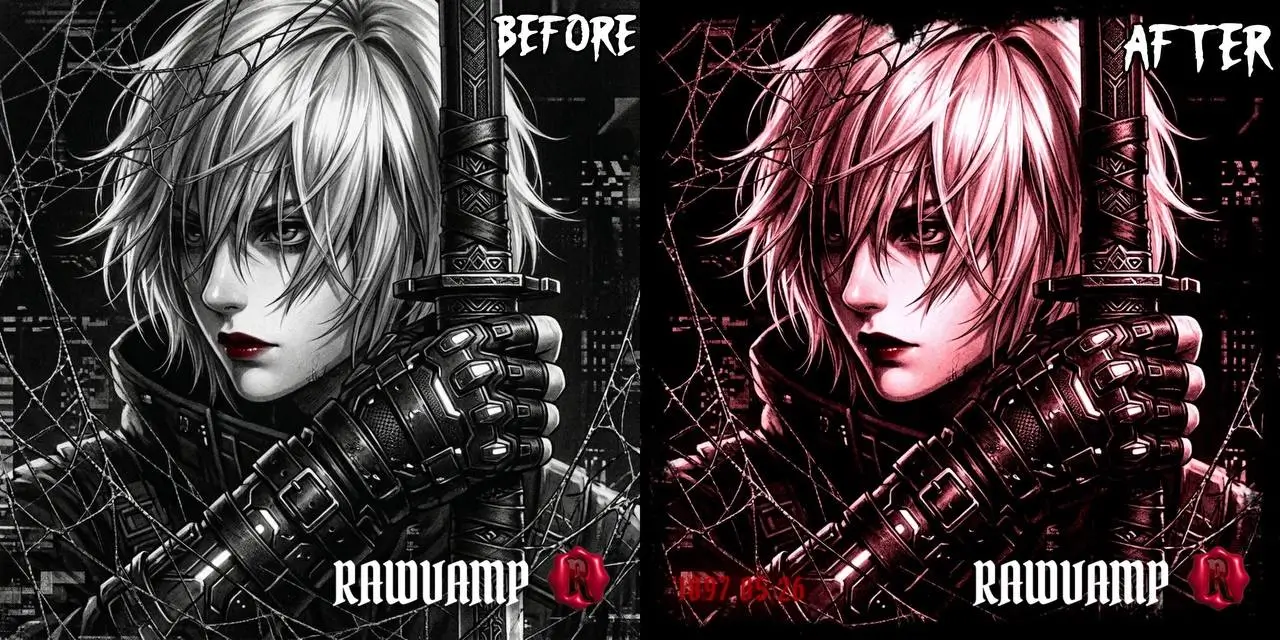
Monochrome selfie with a cool Y2K color and grain treatment

Make a Y2K Profile Picture

Turn a wider photo into an avatar with a square crop and adjustable framing. The Y2K Photo Editor lets you reposition, rotate or flip the image. With Studio, add a custom stamp while keeping your own subject.

Edit Your Photo

A Y2K Editor That Keeps You in Control

An edit should suit the photograph, not force every image into one mood. The Y2K Photo Editor gives you a starting point and room to decide how far to take it.

Your Photo Stays Local

The Y2K Photo Editor processes images in your browser. Your imported photo is not uploaded to a server for editing or added to a cloud gallery.

Try Another Direction

Undo and redo let you compare decisions without starting over. Back away from a heavy change, then continue from the version that feels right.

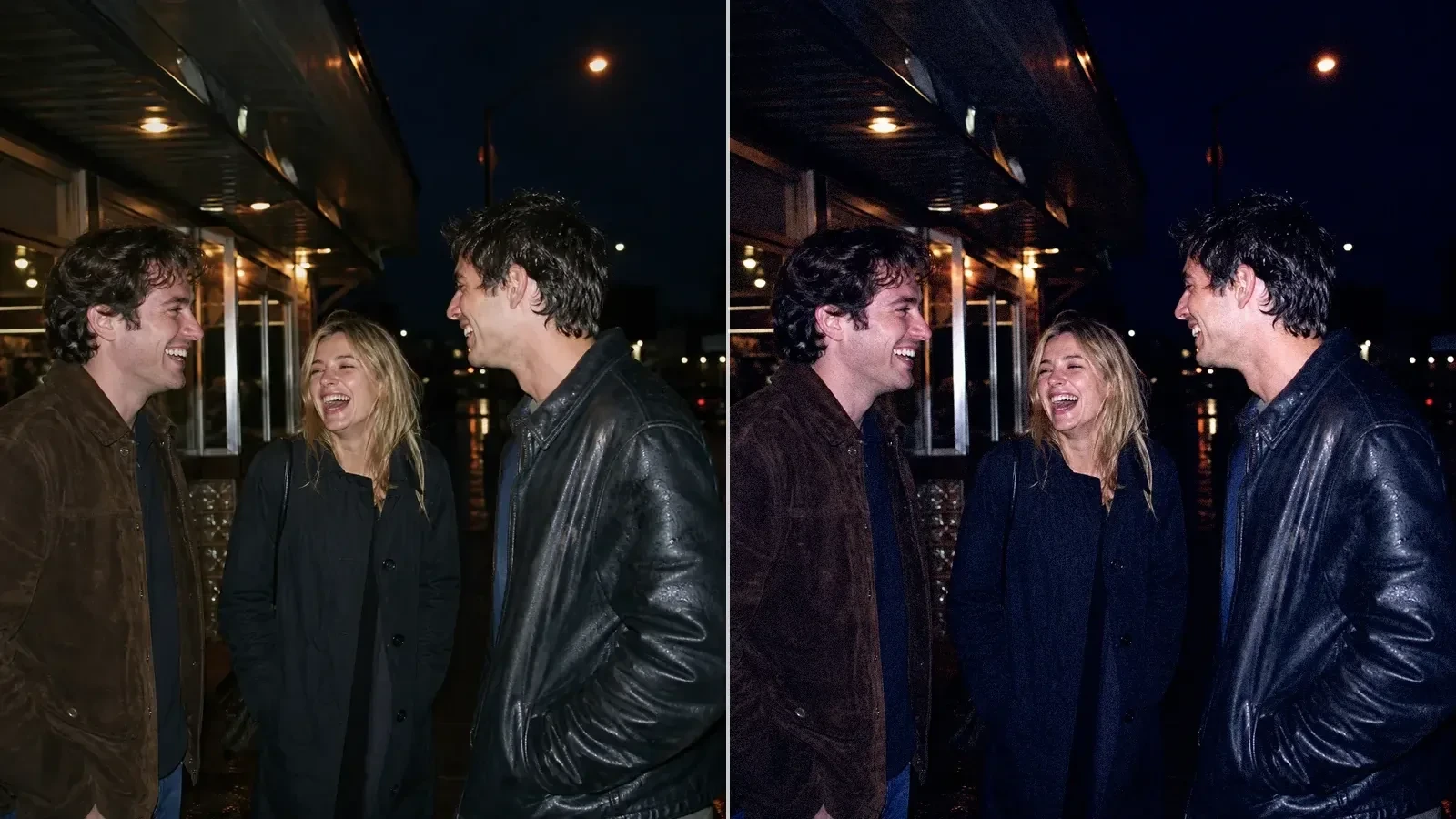
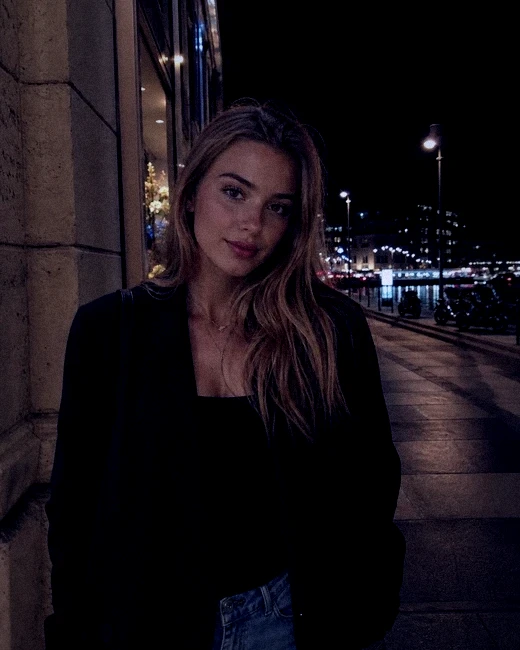
Night-out portrait with a cool Twilight color treatment

Keep a Set Cohesive

With Studio, use the Y2K Photo Editor to sync a chosen look across up to ten photos, then select individual images when different lighting needs another adjustment.

Keep Your Own Subject

Use the Y2K Photo Editor with a photo you already chose. Color and texture alter its mood while your expression, outfit and surroundings remain the material of the edit.

Y2K Photo Editor Questions

Y2K Photo Lab

Give Your Photo a 2000s Look

Open your next image in the Y2K Photo Editor. Choose a starting look, keep the details you like and download the frame that feels yours.

Edit Your Photo