

Bleach Bypass for Muted Color and Cinematic Contrast

Give an everyday photograph harder shadows, restrained color and a silver-retention mood. Start with a Bleach Bypass look, compare the details that matter and download the version you choose.

Skip to photo editor
Preview

Good photos.
Bad influence.

or drop them anywhere in the editor

Photos stay on your device. Download edits before leaving.

See What Bleach Bypass Changes

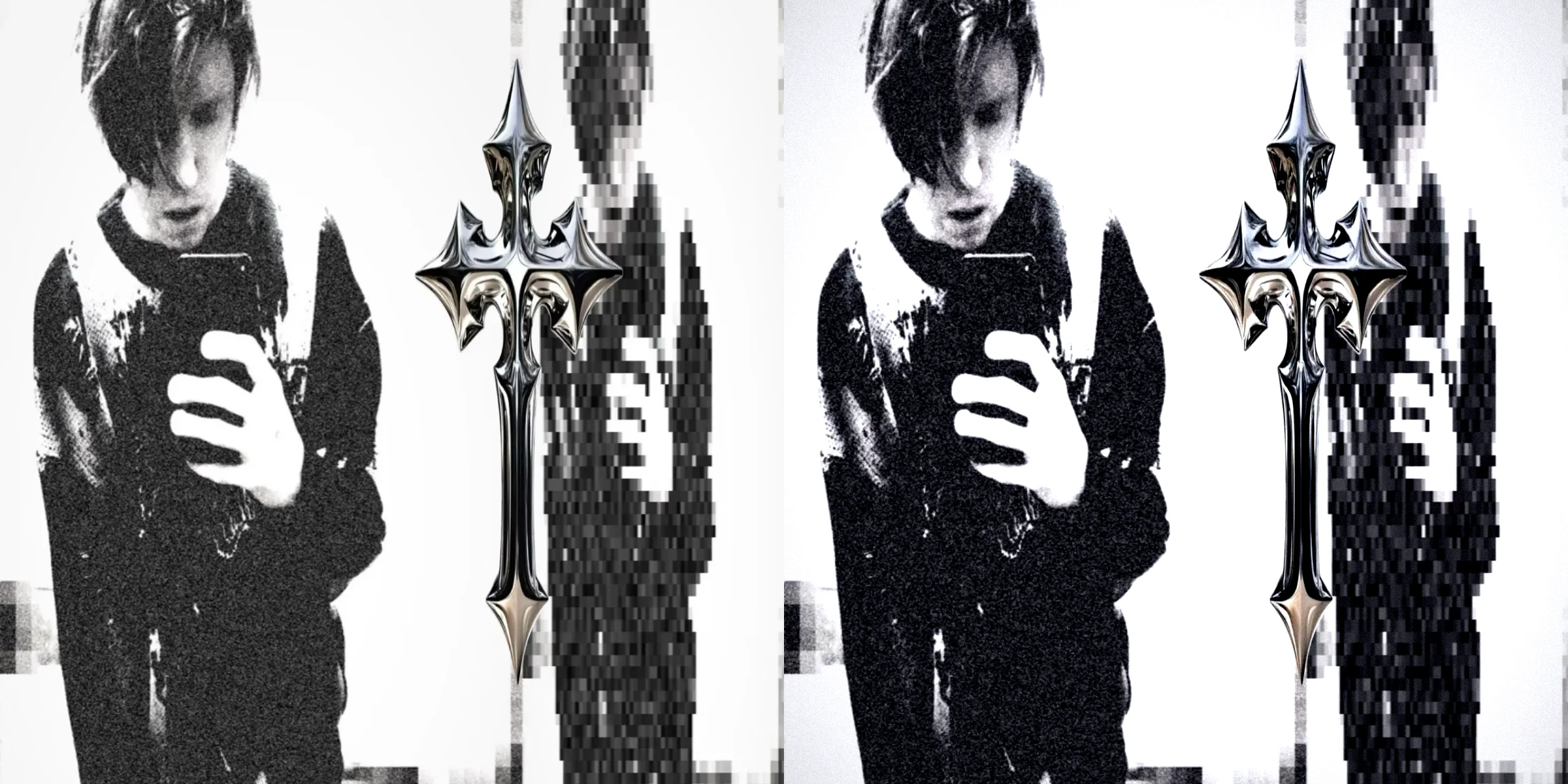
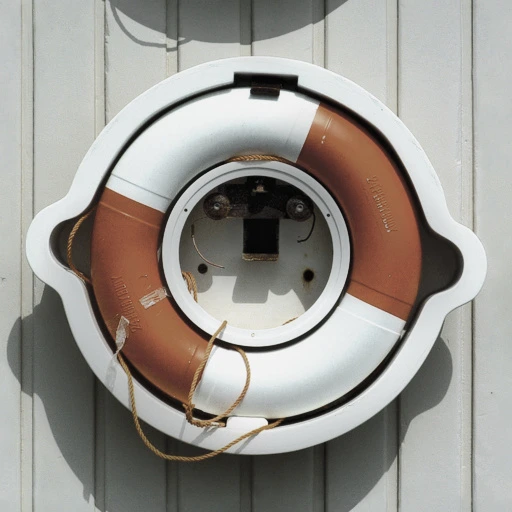
Move between the same original and a muted, higher-contrast treatment. A Bleach Bypass look changes the balance of light and color; watch the highlights and darker textures before choosing how strong your own edit should feel.

Original Lifebuoy Photo
Bleach Bypass Lifebuoy
Bleach Bypass LifebuoyOriginal Lifebuoy Photo

Look at bright surfaces and the edges of the subject. Contrast should separate them without turning every lighter patch into a flat white shape.

Use preset strength to find a balance between gritty atmosphere and the details you still want someone to notice.

Move the slider to compare

How to Make a Bleach Bypass Edit

Edit Your Photo

Choose a Clear Original

Open a JPG, PNG or WebP in Bleach Bypass. Start with visible highlight and shadow detail so you can judge the change.

Choose a Silver Look

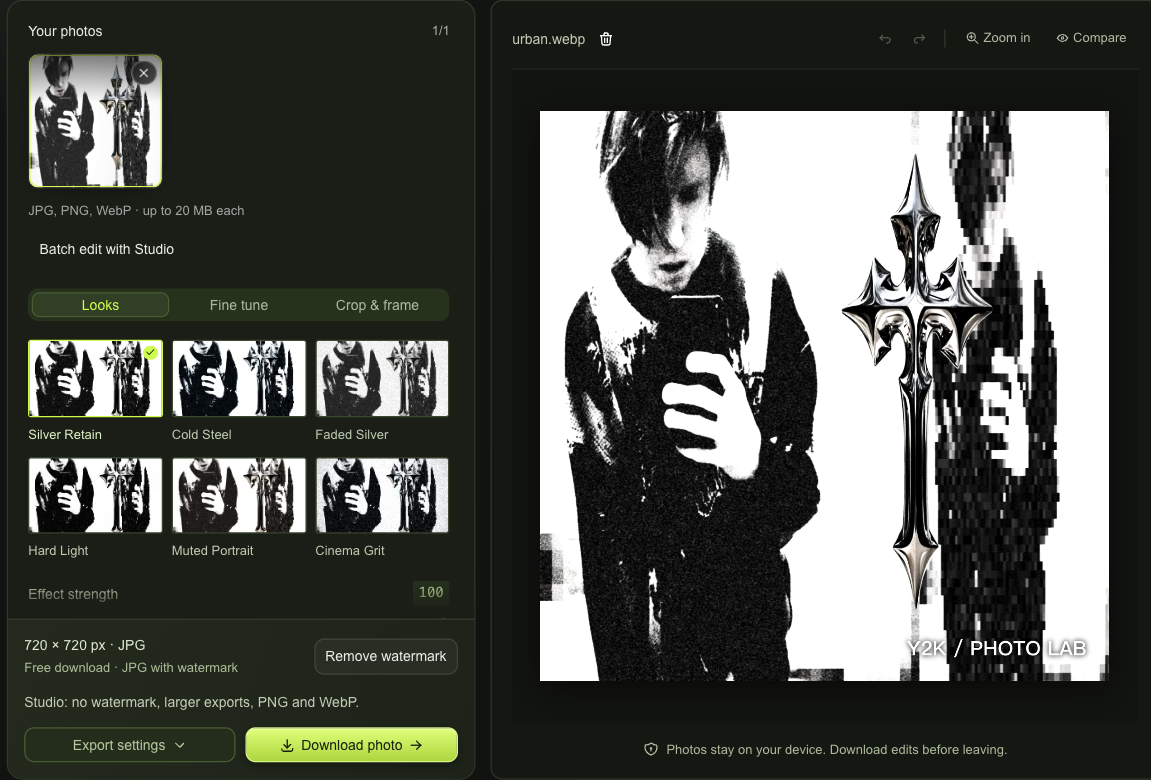
Pick one of six presets, then adjust its strength. Studio adds separate silver retention, saturation, contrast and grain controls for a more personal treatment.

Compare and Save

Review the Bleach Bypass result against the original. Download a free watermarked JPG, or choose Remove watermark to explore Studio export options.

Shape Your Bleach Bypass Treatment

Bleach Bypass workspace with silver looks, a live photo preview and free or Studio download choices

Bleach Bypass Controls Beyond a Preset

With Studio, balance silver retention with saturation and contrast rather than darkening everything equally. Adjust the relationship between subdued color, crisp highlights and deeper shadows while keeping your original framing.

Edit Your Photo


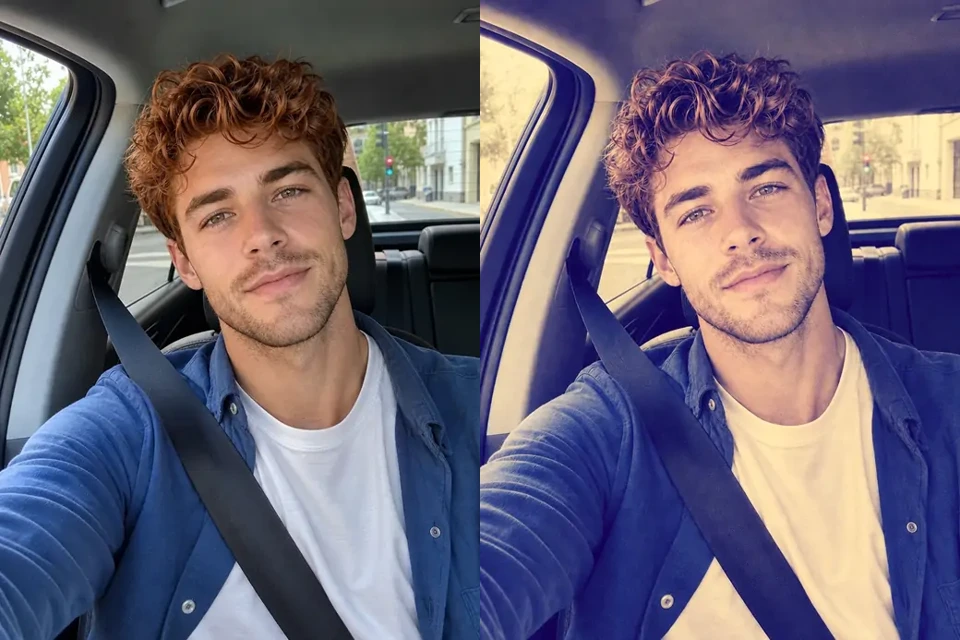
Same tea-table creature before and after a muted high-contrast treatment

Give Texture a Deliberate Role

A portrait, street scene or still life needs a different amount of grit. In Bleach Bypass, preset strength gives you a simple starting point; Studio adds grain, vignette, warmth and tint to refine the atmosphere around the subject.

Edit Your Photo

Keep Bleach Bypass Under Your Control

Bleach Bypass works with the photo you brought, so the subject stays yours. Explore a harder, quieter palette while retaining the ability to compare, change direction and decide which finished frame is worth keeping.

Keep Your Original Subject

The treatment adjusts the existing photograph. Your expression, clothing and surroundings remain the material of the edit, rather than being replaced by a new scene.

Compare Before Committing

Undo and redo let you revisit a softer interpretation after trying a stronger one. Use the original view to check important textures and facial detail.

Brown-jacket portrait with a muted silver-retention treatment

Build a Consistent Photo Set

With Studio, sync a Bleach Bypass look across up to ten photos, then refine individual frames when their lighting makes the same settings feel different.

Work with Photos Locally

Editing happens in your browser, without uploading your photo to a processing server. Download your chosen version while the page is open and keep the source.

Bleach Bypass Questions

Y2K Photo Lab

Find Your Bleach Bypass Balance

Open a photo in Bleach Bypass, choose a look and compare the details. Keep the atmosphere you like, then save the frame you want to share.

Edit Your Photo