
2016 Effects Online for Warm, Soft Photo Edits

Bring a newer photo closer to the feel of a mid-2010s camera roll. Use 2016 Effects Online for faded color, softer detail and a warm starting look that you can make your own.

Skip to photo editor
Preview

Good photos.
Bad influence.

or drop them anywhere in the editor

Photos stay on your device. Download edits before leaving.

Compare a 2016-Inspired Photo Treatment

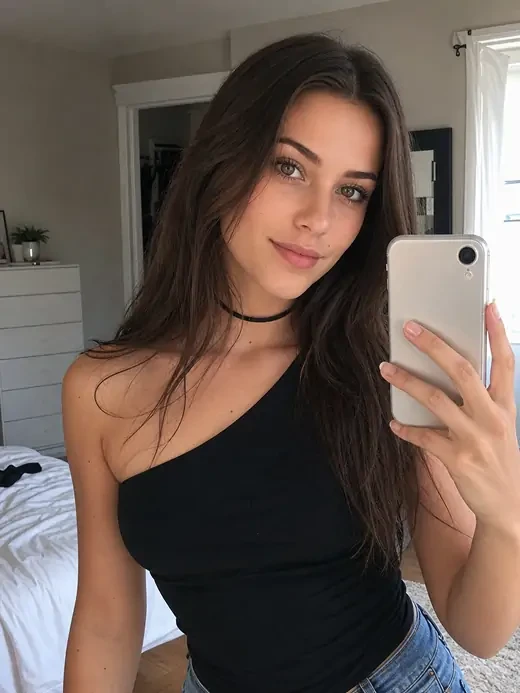
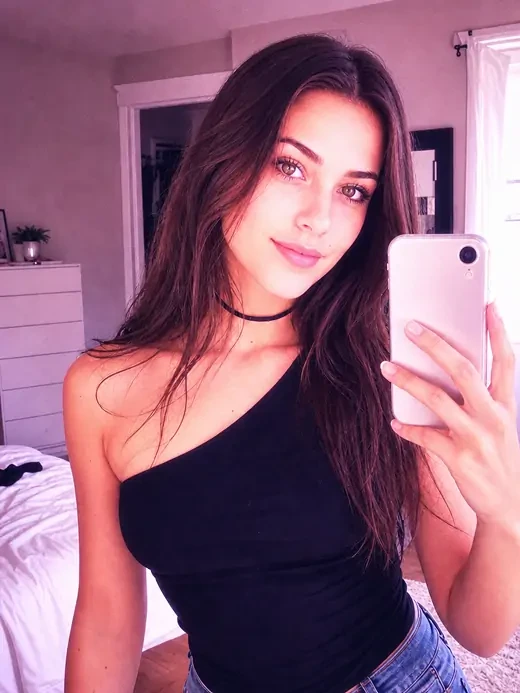
Look at the same photo before and after a warm, faded treatment. In 2016 Effects Online, use that direction to judge color and softness while keeping the person, outfit and setting central to your edit.

Original Mirror Selfie
Warm 2016 Selfie
Warm 2016 SelfieOriginal Mirror Selfie

Compare skin, fabric and small background details. A softer mood should still leave the parts of the photo you care about recognizable.

Use 2016 Effects Online to explore the balance between warmth, faded blacks and texture before deciding whether your photo needs a subtler starting look.

Move the slider to compare

How to Use 2016 Effects Online

Style Your Photo

Pick Your Starting Photo

Open a JPG, PNG or WebP in 2016 Effects Online. A selfie, outfit photo or everyday snapshot gives the treatment something personal to work with.

Choose a Camera-Roll Mood

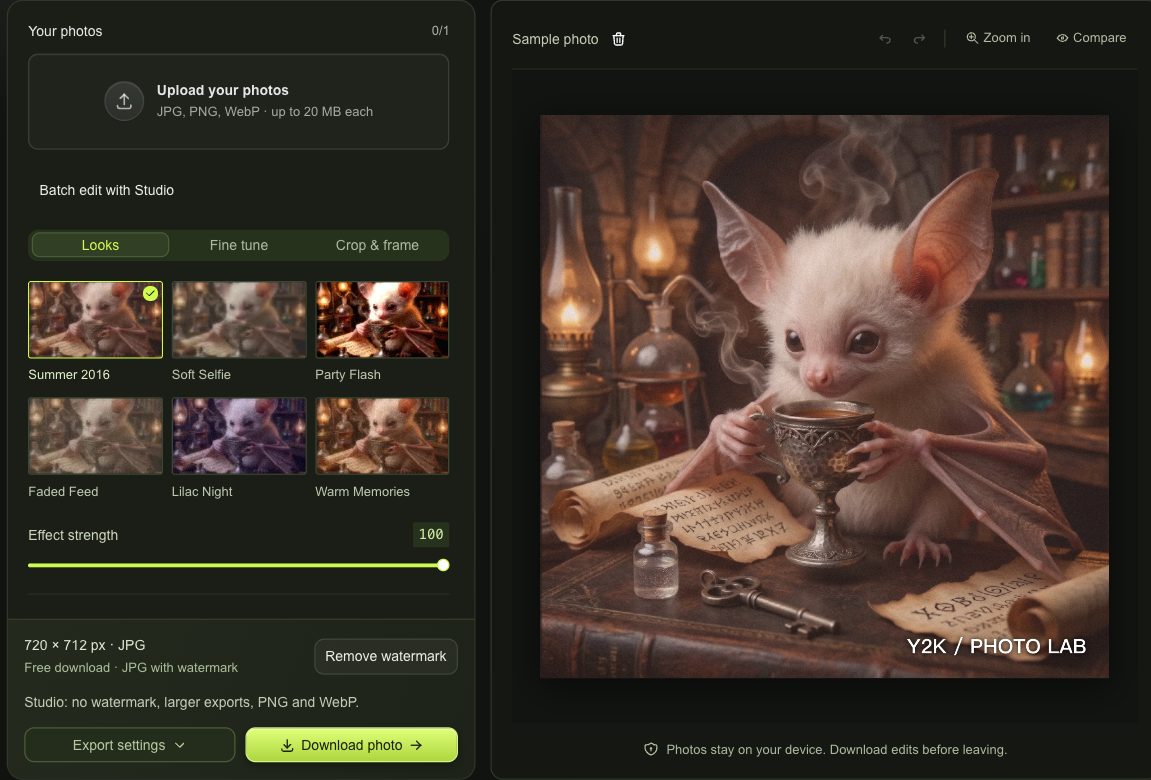
Try six looks, from Summer 2016 to Lilac Night, and vary preset strength. Studio adds separate softness, fade, grain and color controls.

Compare and Download

Check the original in 2016 Effects Online, crop your frame and save a free watermarked JPG. Studio adds watermark-free and larger export options.

Make 2016 Effects Online Suit Your Photo

2016 Effects Online workspace with camera-roll looks, photo controls and download choices

Control Softness Without Replacing Your Subject

With Studio, 2016 Effects Online softens fine detail and lets you balance that with faded blacks, warmth and grain. Your original subject remains in the frame, so the edit changes a photograph you chose rather than inventing a different person.

Style Your Photo
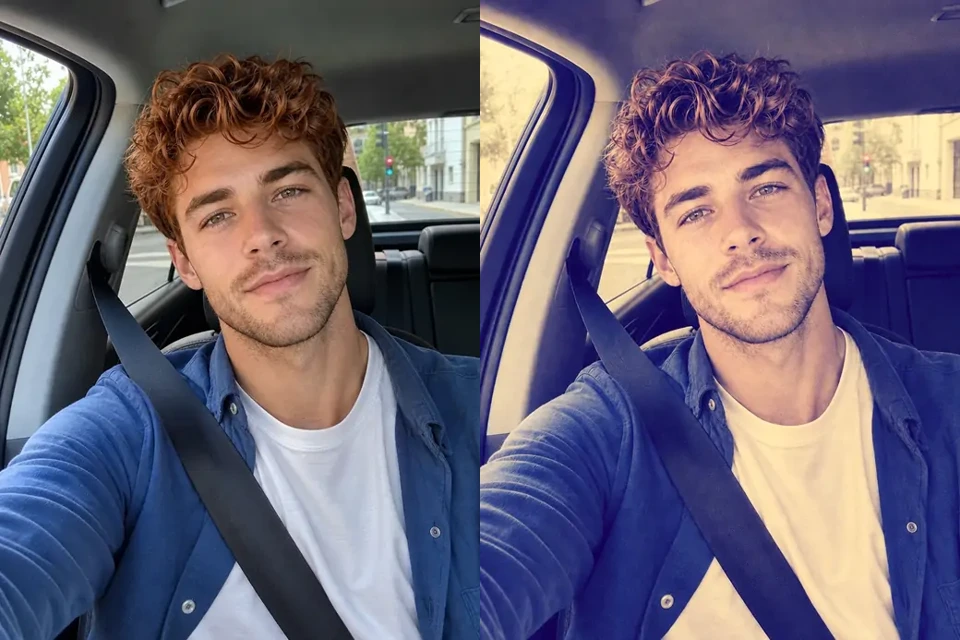
Same car selfie before and after a warm purple mid-2010s treatment

Move from Sunny Warmth to Lilac Nights

Different lighting deserves a different starting point. In 2016 Effects Online, try a warmer summer palette, a faded feed treatment or a cooler night look. Use strength and Compare to avoid letting a preset overwhelm your original photograph.

Style Your Photo

2016 Effects Online Keeps Your Memory in Frame

2016 Effects Online helps an everyday photograph feel less clinical without making every image look identical. Keep the people and details that make the moment yours, and choose how much nostalgia belongs in the finished edit.

Keep Your Real Expression

2016 Effects Online works with existing pixels instead of redrawing a face. Your pose, outfit and surroundings remain the basis of the finished image.

Try a Different Direction

Move between presets, undo a heavy edit and compare with the original. You can return to a lighter treatment when the texture becomes distracting.

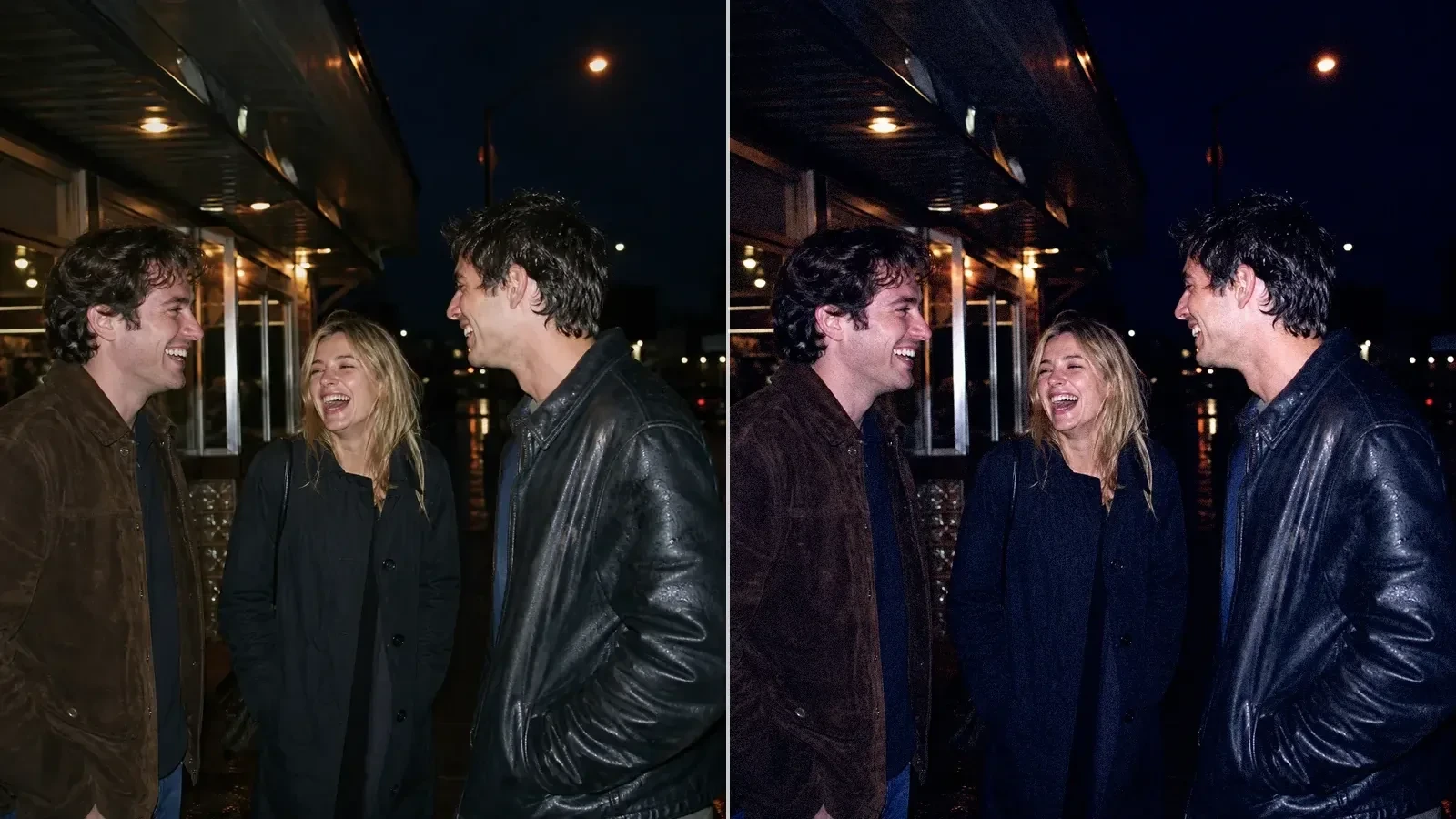
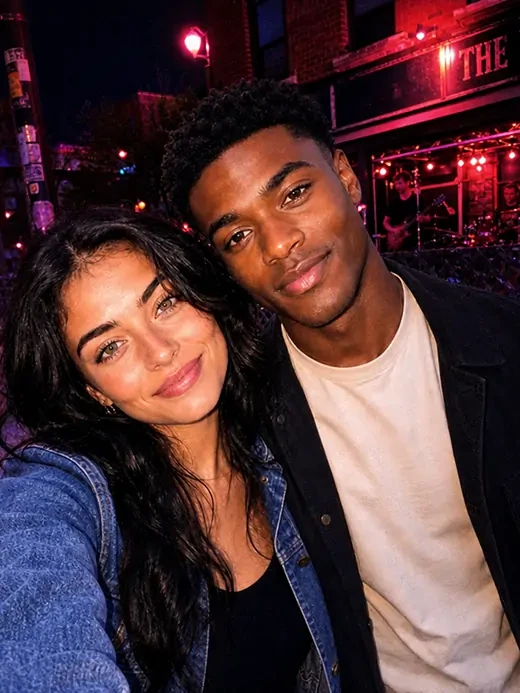
Two people photographed under warm night-time party lighting

Give a Photo Set One Mood

Studio syncs a chosen look across up to ten photos in 2016 Effects Online. Adjust individual frames afterward to account for changing lighting and exposure.

Choose What Leaves Your Device

The editor processes your photographs locally. Download the finished version you want to keep; imported images are not uploaded into an online processing gallery.

2016 Effects Online Questions

Y2K Photo Lab

Create Your Next Look with 2016 Effects Online

Try 2016 Effects Online on a photo you already love. Compare the warmth and texture, keep the details that matter and download your chosen frame.

Style Your Photo